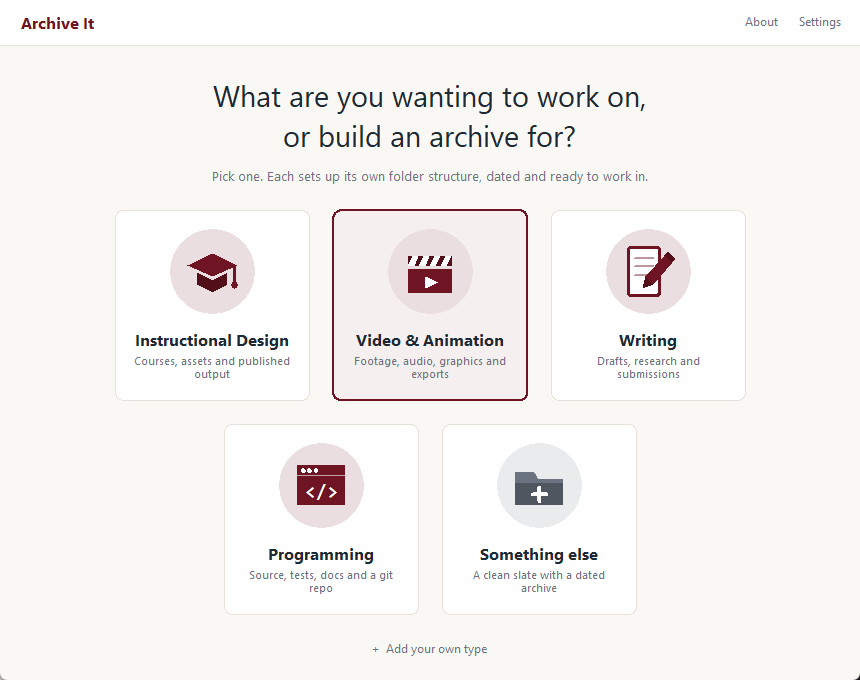
A project folder, filed right from the first minute.
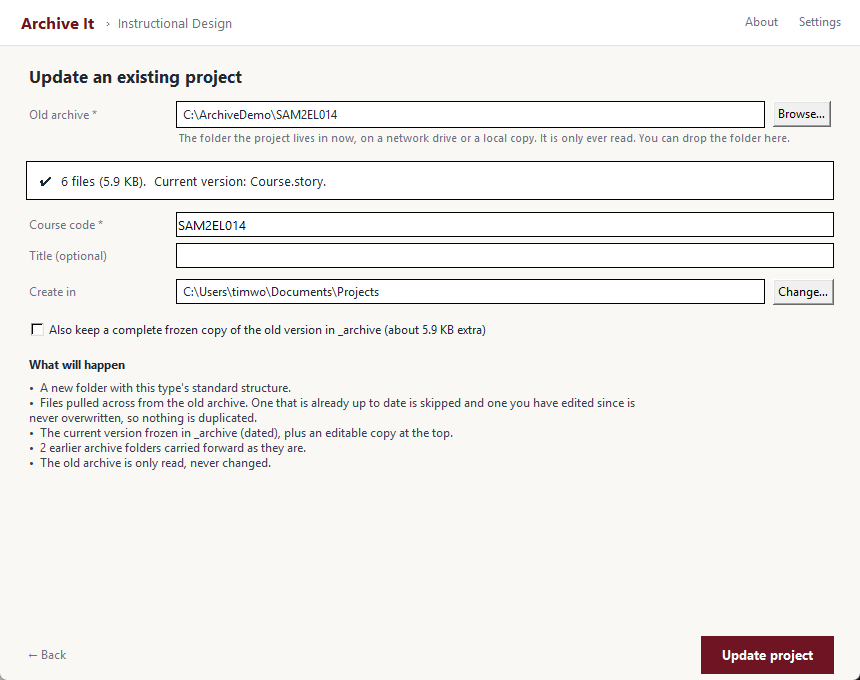
Pick the kind of work and name it. The folder structure appears, dated and ready to work in. Point it at an old archive and it rebuilds the project into that same structure, sorting every file by type. The old archive is only ever read.
Rz52EL3.mp4Unzip, rename, sort, date. Every project.
The standard is simple on paper. Unzip the template folder structure, rename the parent folder to the project, and save every file into the right place by what it is and what it's for: attachments, audio, documents, images and video under assets, the packaged course under publish. If it's a revision, the version that shipped gets archived with the date. None of it is hard. It all lands at close-out, when the course has shipped and the next request is already waiting, and that's when it gets rushed.
Same folders, every time
Only the rushing varies
The inherited archive
On a team of ten, work goes to whoever is free, not whoever built the course last. A short-lifecycle course gets updated every time the software does, so the update nearly always starts in somebody else's folders, on a server, with nobody to ask.
The mess, as found
Audio sitting in Documentation because that's where the audio editor saved it. A video named Rz52EL3.mp4. Folders called Final, Final Final and Old. Nobody did anything wrong. Each file went wherever it was when the project closed.
The step that drops
Filing is the last step, after the real goal is done, and a last step is the one people skip. A standard written in a document doesn't change that, because nobody reads it at close-out. Building the structure first means there's nothing left to file at the end.
It files first. It reads the old archive, and never writes to it.
Archive It starts every project in the finished structure, so there's nothing to sort at close-out. Each kind of work, instructional design, video, writing, programming, has its own structure kept in a small file, so a team can add its own without touching the code. For an update, it copies from the old archive and writes only to the new folder, so a network archive can't be damaged by running it. The spec was written in plain English before any code existed: every folder, every file type, every case where two files could be the working copy. An AI assistant built to that spec. What ships runs on your machine, the same way every time, and no AI ever sees your files.
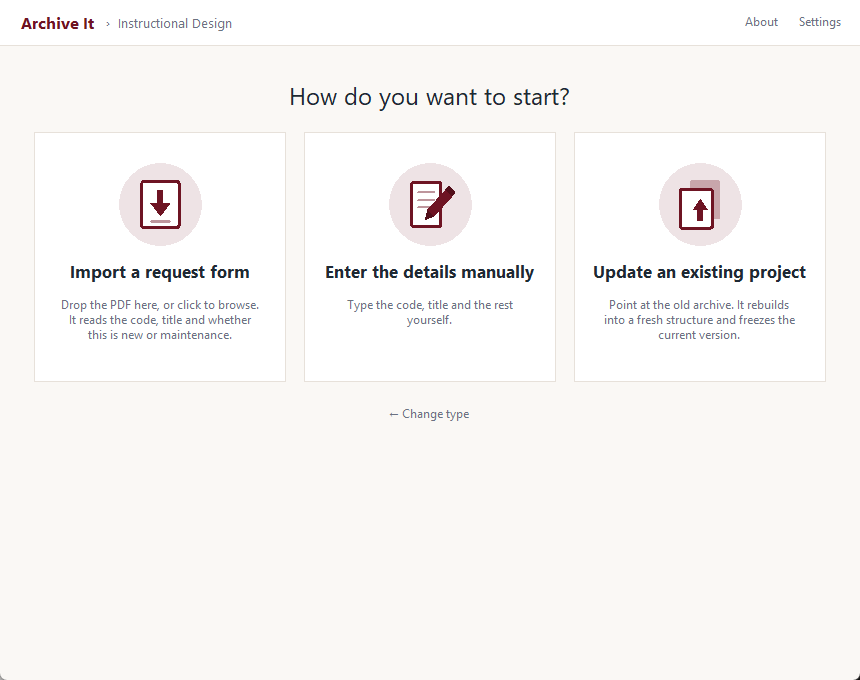
A clean start, already filed
Choose the type, name the project, and work straight into the right folders from day one.
- Folder named for the project, with a dated archive inside
- Course code and title read from the request form, or typed in
- Only the folders that kind of work needs
Rebuild an old archive
Point it at the old archive, on a network drive or a local copy. It builds a fresh structure and sorts the files into it by type.
- The MP3 sitting in Documentation ends up in audio
- The version that shipped is frozen and dated, with an editable copy on top
- Earlier archive folders carried forward, never nested